
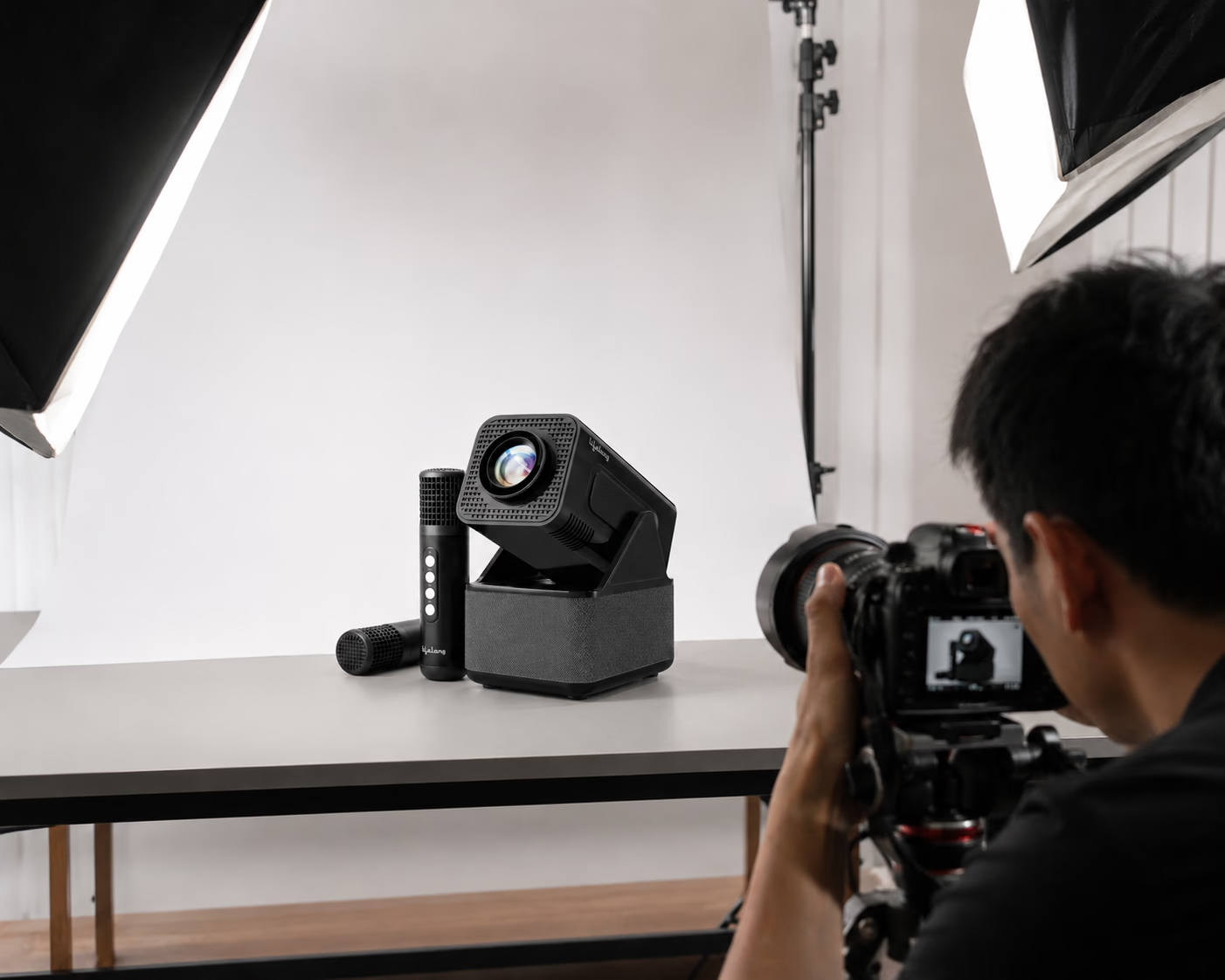
In today's digital marketplace, your product photographs often make the first impression long before a customer reads your product description or compares prices. Whether you're selling handmade crafts, clothing, beauty products, electronics, or home décor, your images play a major role in building trust and influencing buying decisions.
For small businesses, investing in quality ecommerce photography isn't just about making products look attractive—it's about helping customers feel confident enough to click the "Buy Now" button.
The good news? You don't need a massive budget or a large creative team to create effective product images. With the right preparation and a clear checklist, you can ensure every photoshoot delivers professional results that represent your brand.
Why Ecommerce Photography Matters
Online shoppers can't touch, hold, or try your products. They rely entirely on visuals to understand quality, size, color, texture, and usability. High-quality images reduce uncertainty and answer questions before customers even ask them.
Professional product photography can also:
- Increase customer trust
- Improve conversion rates
- Reduce product returns
- Strengthen your brand identity
- Make your products stand out across marketplaces and social media
Think of every product image as a silent salesperson working around the clock.
1. Define the Purpose of Your Photoshoot
Before setting up lights or arranging products, decide where the images will be used.
Different platforms require different styles:
- Ecommerce websites
- Amazon or Flipkart listings
- Instagram and Facebook
- Product catalogs
- Advertisements
- Email campaigns
Knowing the final destination helps determine image size, orientation, background style, and composition.
2. Prepare Your Products Carefully
The camera notices details that the human eye often overlooks.
Before the shoot:
- Remove dust and fingerprints.
- Iron clothing to eliminate wrinkles.
- Polish reflective surfaces.
- Replace damaged packaging.
- Check labels for alignment.
- Remove price stickers.
- Assemble products completely.
A few minutes of preparation can save hours of editing later.
3. Create a Consistent Brand Style
Customers appreciate consistency. When every product follows the same visual style, your store looks more professional and trustworthy.
Decide on:
- Background color
- Lighting style
- Camera angles
- Image dimensions
- Editing style
- Shadow intensity
- Color tone
A consistent visual identity helps customers recognize your brand instantly.
4. Use Proper Lighting
Lighting is one of the biggest differences between amateur and professional product photography.
Natural daylight works well for many products, but controlled studio lighting offers greater consistency throughout the year.
Aim for soft, even lighting that highlights details without creating harsh shadows or unwanted reflections.
Avoid mixing different light sources, as they can produce inaccurate colors.
5. Choose the Right Background
A clean background keeps attention on the product.
White backgrounds remain the preferred choice for ecommerce platforms because they look professional and meet marketplace requirements.
Lifestyle backgrounds can also be valuable for websites and social media because they show products in real-life settings.
For example:
- Kitchen items in a modern kitchen
- Fashion products on a model
- Furniture inside a styled room
- Coffee mugs on a breakfast table
Both styles serve different purposes, so consider capturing both.
6. Capture Multiple Angles
Customers want to examine products from every perspective.
Instead of relying on a single photograph, include images showing:
- Front view
- Back view
- Side view
- Top view
- Close-up details
- Packaging
- Product in use
- Scale comparison
Multiple angles help shoppers understand exactly what they are purchasing, reducing uncertainty and increasing confidence.
7. Highlight Important Features
Every product has unique selling points.
If you're photographing shoes, show the sole, stitching, and material.
If it's a handbag, highlight the interior compartments and zipper quality.
For electronics, capture ports, buttons, and accessories.
Don't simply photograph the product—tell its story through detailed visuals.
8. Include Lifestyle Images
While plain product shots are essential, lifestyle photography helps customers imagine ownership.
A dining table looks more inviting when decorated for dinner.
A fitness bottle becomes more appealing when used during a workout.
A skincare product feels more authentic when shown in a daily routine.
These images create emotional connections that simple catalogue photographs often cannot.
9. Keep Colors Accurate
Customers expect the product they receive to match what they saw online.
Over-editing colors may create unrealistic expectations and lead to dissatisfaction.
Use proper lighting, calibrated editing, and accurate white balance to maintain realistic colors.
Honest photography builds long-term customer trust.
10. Optimize Image Resolution
Large, sharp images allow customers to zoom in and inspect details.
However, extremely large files may slow down your website.
Find the right balance between quality and loading speed.
Compressed, high-resolution images improve user experience while maintaining professional appearance.
11. Plan Image Editing Before the Shoot
Editing should enhance your photographs—not completely transform them.
Common editing tasks include:
- Removing dust spots
- Adjusting brightness
- Correcting colors
- Straightening images
- Cropping consistently
- Removing background imperfections
Avoid excessive filters that make products appear different from reality.
12. Organize Files Properly
As your business grows, managing hundreds of product images becomes challenging.
Create a naming system such as:
- Product Name
- SKU
- Color
- Size
- Version
Store original files separately from edited versions.
Good organization saves time whenever products need updating.
13. Prepare a Shot List
One of the biggest reasons ecommerce shoots become inefficient is forgetting important images.
Before shooting, prepare a checklist including:
- Hero image
- Side views
- Detail shots
- Packaging
- Accessories
- Lifestyle photos
- Size comparison
- Group images
- Promotional banners
A shot list keeps the entire process organized and ensures nothing is missed.
14. Think Beyond the Product Page
Great ecommerce photography can be used across multiple marketing channels.
One photoshoot can provide content for:
- Website banners
- Social media posts
- Reels
- Paid advertisements
- Email newsletters
- Printed brochures
- Press releases
- Blog articles
Planning versatile images increases the return on your photography investment.
15. Work with Professionals When Needed
Many small businesses begin with basic photography equipment, which is perfectly acceptable during the early stages.
However, as your business grows, professional photographers bring valuable expertise in lighting, composition, editing, and branding. They understand how to showcase products in ways that align with customer expectations and platform requirements.
Professional photography often pays for itself through stronger brand perception and improved sales performance.
Final Thoughts
Your products deserve to be seen at their best. Exceptional ecommerce photography isn't about expensive cameras or elaborate studios—it's about preparation, consistency, and understanding what customers need to feel confident in their purchase.
Every image should answer a customer's questions before they're asked. Does the product look reliable? Can I trust this brand? Is this worth my money?
When your photography communicates quality, honesty, and attention to detail, customers notice. In an increasingly competitive online marketplace, those visual first impressions can make all the difference.
Whether you're launching your first online store or expanding an established brand, following this ecommerce photography checklist will help you create images that not only look professional but also inspire trust, strengthen your brand, and turn browsers into loyal customers.